
This Might Be The Missing Piece On Your Chart...
Watch the video to see the exact system that already helped 12,000+ retail traders finally see the markets with clarity.
 CRYPTO
 STOCKS
 FOREX
FOREX INDICES
 ALTCOINS
 MATERIALSCRYPTOSTOCKSFOREXINDICESALTCOINSMATERIALS
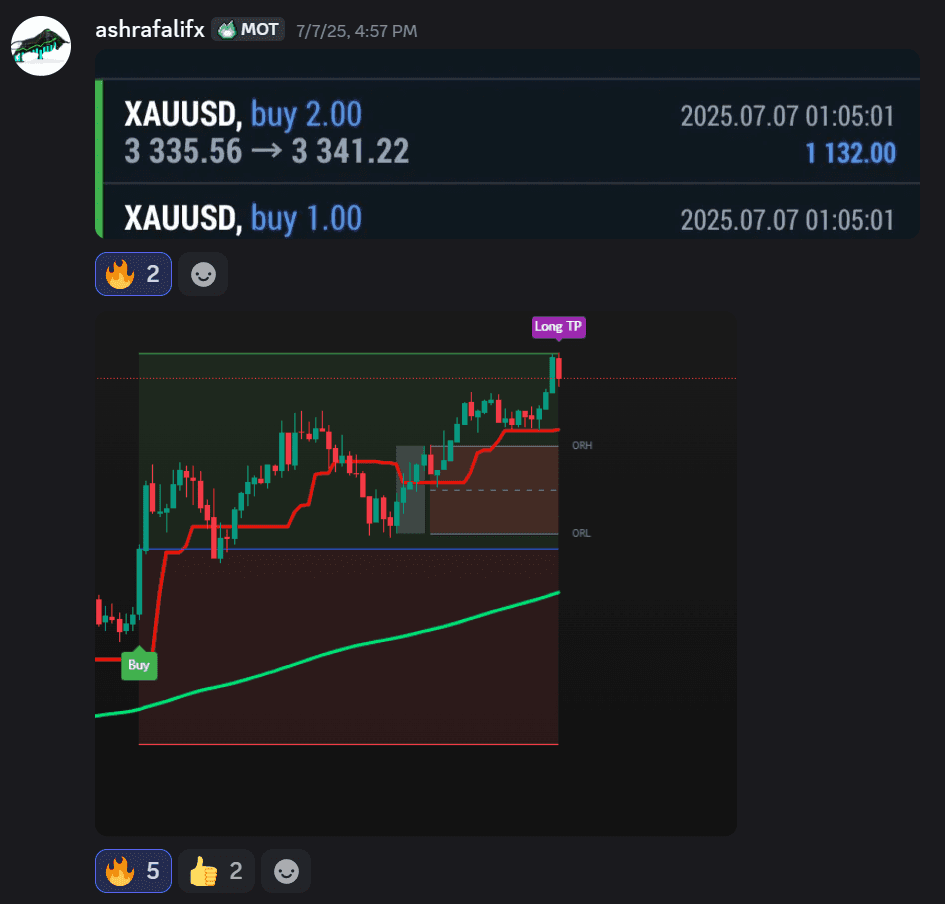
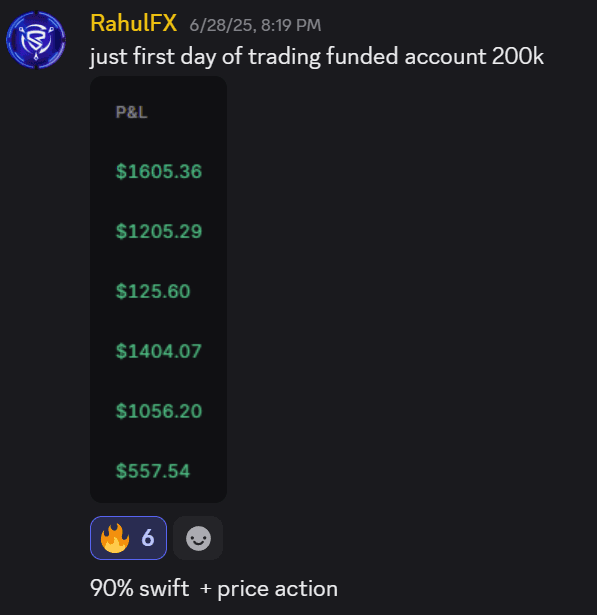
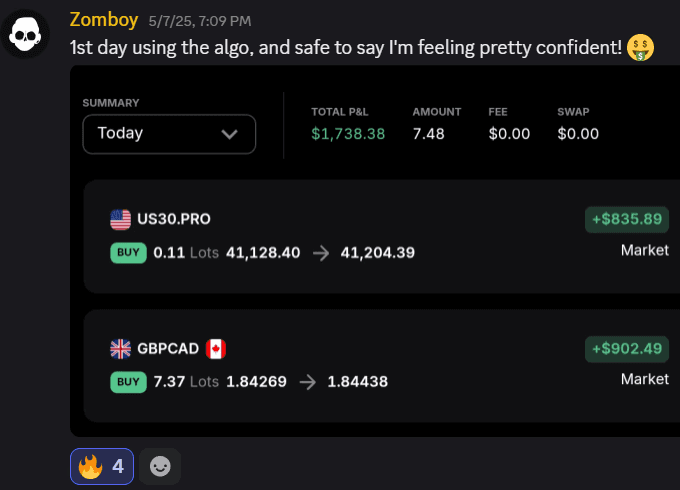
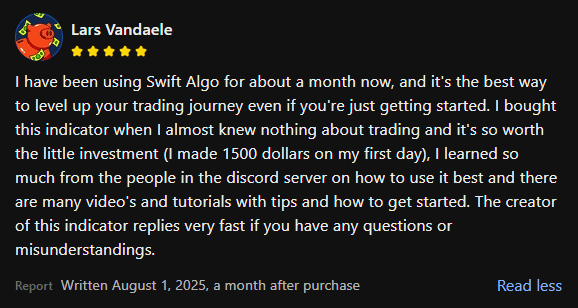
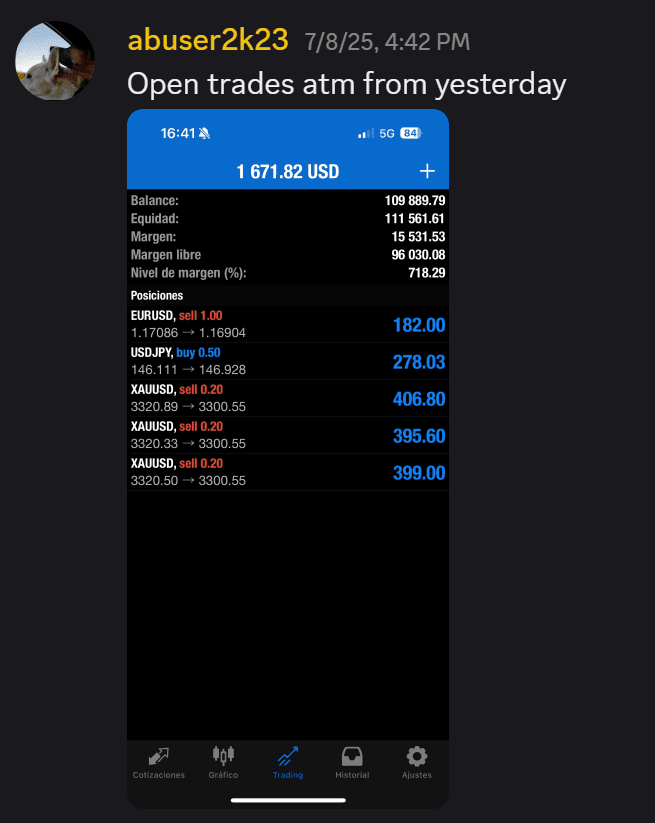
Real Traders. Real Results.
Thousands of traders worldwide already rely on Swift Algo to trade with more clarity and confidence.
Swift Algo vs. The Rest
Let's see the difference.
Other Tools
- Alerts repaint or vanish after a loss
- Lagging Alerts get you in too late
- No exit plan (Guessing where to TP/SL)
- Confusing Setup and no guidance
- Zero support after purchasing
- No way to backtest results
Swift Algo
- 100% Non-repainting Alerts
- Real-time Entries & Instant Alerts
- Automated TP & SL targets on every trade
- Detailed Step-by-Step Guides
- Top-Tier Priority Support & Guidance
- Integrated Backtesting System
Plans for everybody.
Find the right membership that fits your situation.
Monthly
Start trading with the same system top traders use.
- Trusted by 12,000+ traders
- Access to the Indicator
- Access to Video Guides
- Regular indicator updates
- Full support from our team
- Cancel at any time
Quarterly
MOST POPULARThe plan most traders choose to save and stay committed.
- Save 11% vs monthly
- Trusted by 12,000+ traders
- Access to the Indicator
- Access to Video Guides
- Regular indicator updates
- Full support from our team
- Cancel at any time
Lifetime
Go all-in on your trading and unlock the biggest savings.
- Only Pay Once
- Trusted by 12,000+ traders
- Access to the Indicator
- Access to Video Guides
- Regular indicator updates
- Priority support from our team
- Cancel at any time
Cancel anytime
How access works
after you buy.
From checkout to your chart in under two minutes — no manual approval, no waiting.
- 01
Finish the checkout
You land straight on a setup page with a step-by-step video that walks you through it.
- 02
Enter your TradingView username
Submit it on that page and your access is granted automatically.
- 03
Open it in TradingView
Swift Algo appears under "Invite-Only Scripts" in the indicators menu.